

Published: June 04, 2026, 03:05 UTC
There are dozens of “ChatGPT for beginners” guides published every month, and ZDNet just released its 2026 edition. But most of them frame the question too narrowly. They ask “how do I type a prompt?” when the real question is: “what has this tool become, and how do I use it without being consumed by it?”
Let’s start with the basics, then go beyond them.
The landscape in 2026
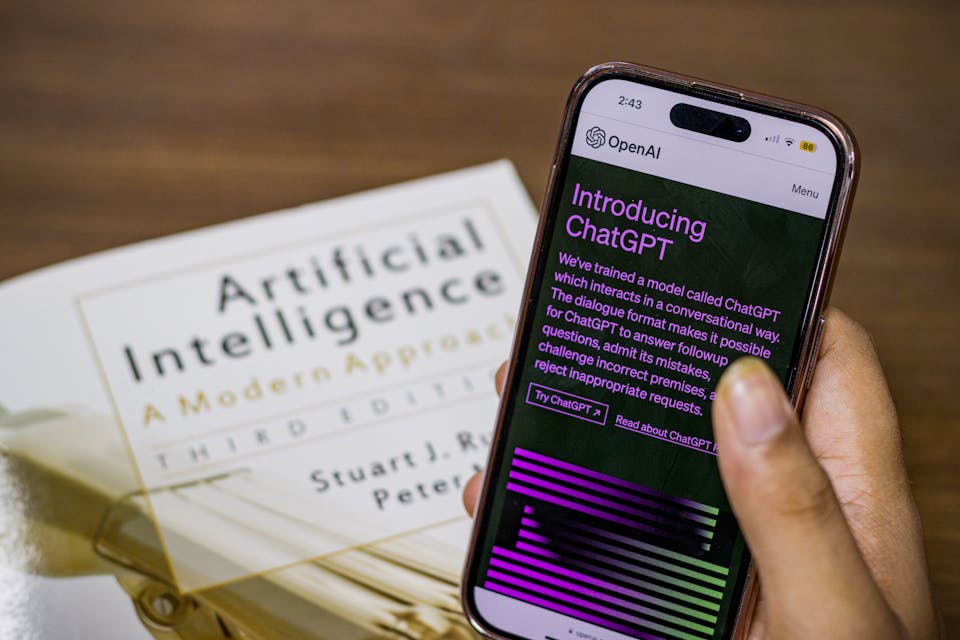
ChatGPT crossed 400 million weekly active users in early 2026, according to OpenAI. It is no longer a chatbot — it is a platform spanning web, desktop (macOS and Windows), mobile (iOS and Android), and API. It can write, analyze data, generate images and video, browse the web, execute Python code, hold voice conversations, see through your camera, and take actions on websites on your behalf.
The phrase “chatbot” now undersells it by a wide margin.
ZDNet’s guide, written by Elyse Betters Picaro on June 3, offers a solid entry point: sign up (or don’t create an account at all — you can start immediately), learn the layout, pick your model, and begin chatting. But the most useful advice in 2026 goes several layers deeper.
The model maze
ChatGPT is powered by two model families, and knowing which to use is the single highest-leverage skill for a new user.
GPT-5.5 Instant, launched May 5, 2026, is now the default model for all users. It produces 52.5% fewer hallucinated claims on high-stakes prompts (medicine, law, finance) than its predecessor GPT-5.3, uses roughly 30% fewer words to say the same thing, and leverages your memory, past chats, and connected apps for more personalized responses ([Maverick AI guide](https://mavgpt.ai/resources/complete-chatgpt-beginners-guide)). For 80% of your work — writing, analysis, coding, creative tasks — this is the model to use.
GPT-4o remains the flagship multimodal model with a 128,000-token context window, handling text, images, audio, and video natively. It powers ChatGPT’s native image generation.
The o-series (o3, o4-mini, o3 Pro Pro) are reasoning models that think step-by-step before answering. Switch to o4-mini or o3 for math, logic, complex coding, or anything that benefits from chain-of-thought reasoning. o3 Pro, available only on the $200/month Pro plan, is the ceiling — it uses the most compute per query and is designed for the hardest problems.
Pricing that rewards escalation
OpenAI’s pricing ladder has five tiers in 2026: Free, Go, Plus ($20/month), Pro ($200/month), and Team ($25–30/seat per month).
The free tier gives you GPT-5.5 Instant with limited usage — enough to test the waters. Plus, at $20/month, is the sweet spot for most users. It unlocks GPT-4o, o3-mini, o4-mini, full image generation through GPT-4o, Advanced Voice Mode with camera and screen sharing, Deep Research with limits, Canvas for collaborative editing, Custom GPTs, 50 Sora video generations per month, Codex (a cloud coding agent), and 40 automated Tasks per month.
Pro at $200/month is for heavy daily users who need unlimited Deep Research, unlimited image generation, high-resolution Sora videos, and access to o3 Pro. It is conspicuously expensive — and intentionally so. OpenAI is segmenting by willingness to pay, and the gap between $20 and $200 means most casual users will never need the top tier.
Features worth knowing about
Modern ChatGPT is less about prompting and more about configuring. The Maverick AI guide, published June 2, highlights several features that separate power users from casual ones:
Projects let you organize chats, files, and instructions around a specific goal — planning a trip, building a feature, researching a paper. Think of it as a folder with shared context.
Memory stores facts you tell ChatGPT across sessions (“I’m vegan,” “I live in Tokyo”), and in 2026 you can see exactly what it remembers and edit or delete individual entries.
Advanced Voice Mode now includes camera and screen sharing — you can point your phone at a broken appliance and ask ChatGPT how to fix it, or share your desktop and ask for real-time guidance on a spreadsheet.
Codex is a persistent cloud development environment. It can write, run, debug, and deploy code. It’s a significant step beyond the old Code Interpreter.
Tasks lets ChatGPT run automated actions on a schedule — check a flight price daily, summarize a newsletter every morning.
Custom GPTs remain one of the most underused features. You can create a tailored assistant with specific instructions, uploaded knowledge files, and connected tools, share it privately or publish it to the GPT Store. The barrier to entry is zero — no coding required.
What the beginner guides miss
The standard advice — “be specific,” “use examples,” “break complex tasks into steps” — is still valid. But the most important thing to understand in 2026 is that ChatGPT is not one tool. It is a constellation of capabilities hidden behind a model selector and a settings panel.
The real beginner’s mistake is not knowing which model, which mode, and which feature to reach for. GPT-5.5 Instant for drafting an email. o4-mini for debugging a SQL query. Advanced Voice for cooking while your phone reads you the recipe. Codex for building a data pipeline. Deep Research for a market analysis that would take a human analyst a full day.
The tool is wildly capable. The hard part is learning to navigate the map.
_Sources: [ZDNet — How to use ChatGPT: A beginner’s guide](https://www.zdnet.com/article/how-to-use-chatgpt-ai-chatbot-beginners-guide/) (June 3, 2026); [Maverick AI — Complete ChatGPT Beginner’s Guide 2026](https://mavgpt.ai/resources/complete-chatgpt-beginners-guide) (June 2, 2026); [NetCom Learning — How to Use ChatGPT in 2026](https://www.netcomlearning.com/blog/how-to-use-chatgpt) (May 11, 2026); [OpenAI Help Center — ChatGPT Release Notes](https://help.openai.com/en/articles/6825453-chatgpt-release-notes); [Coursiv — ChatGPT for Students in 2026](https://coursiv.io/blog/chatgpt-for-students-2026)_